 Plainlist
Plainlist vs Notion vs Todoist: Which Task Manager Actually Fits Your Brain?
Notion is a database pretending to be a notebook. Todoist is a checklist pretending to be a plan. Plainlist is a text file pretending to be nothing, because it doesn't have to pretend.
All three are legitimate tools. They answer different questions. This comparison tells you which one matches how you actually think, minus the marketing.
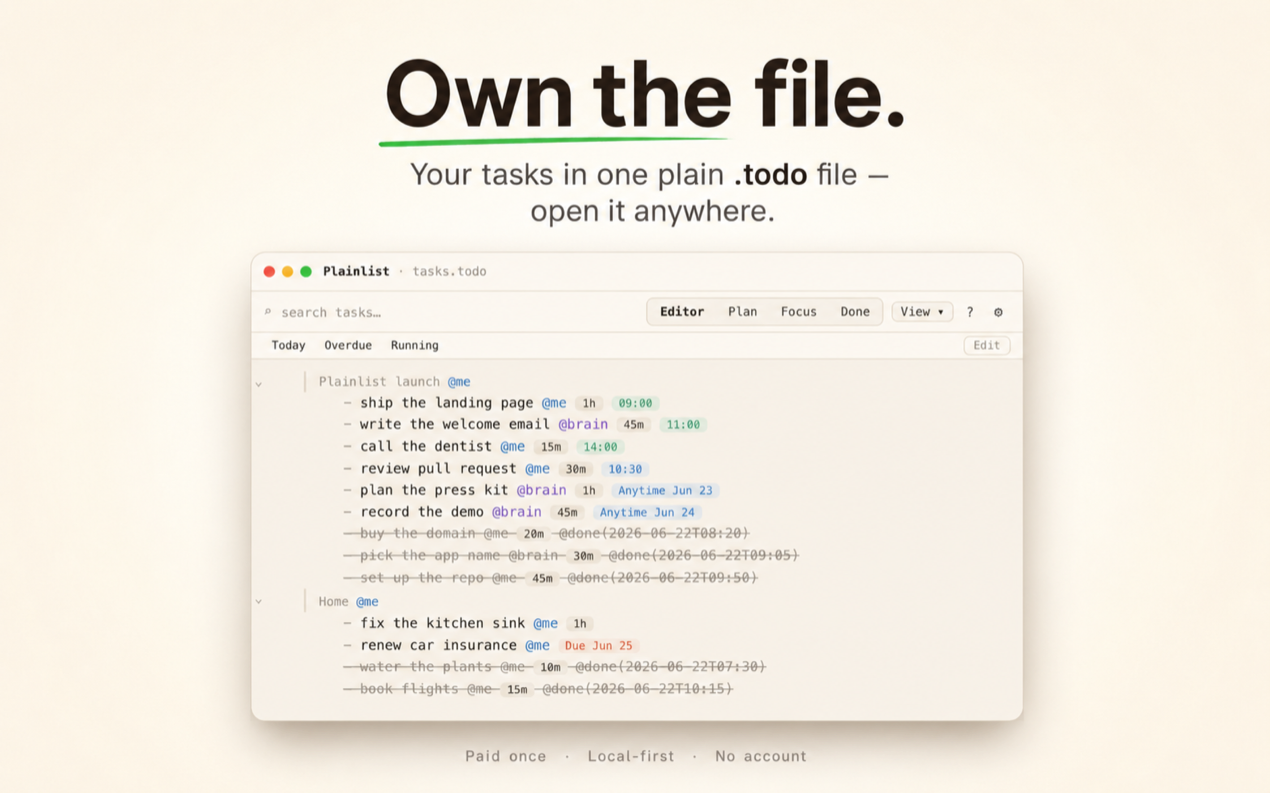
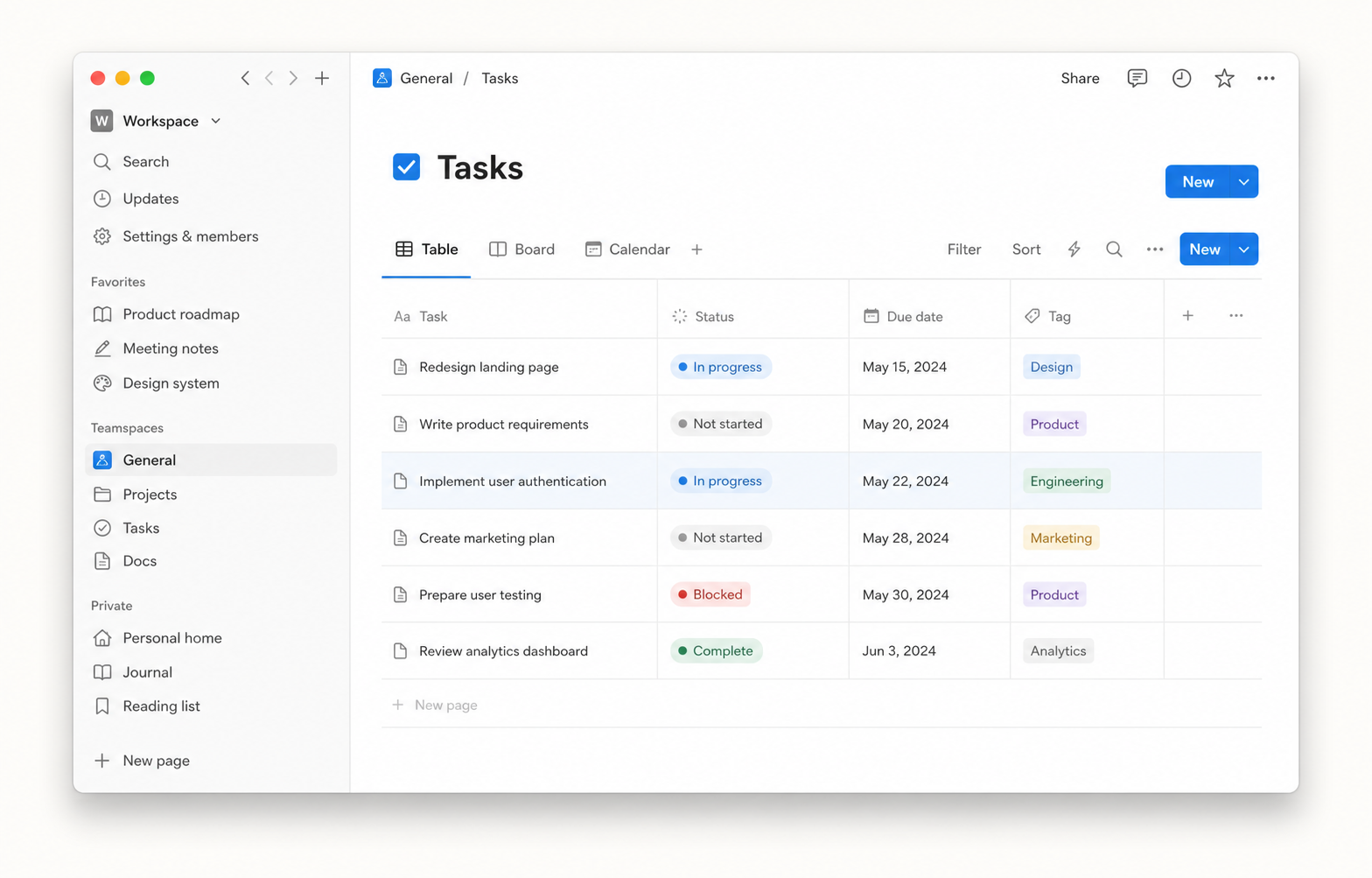
Illustrative AI-generated representation — not a Notion screenshot.
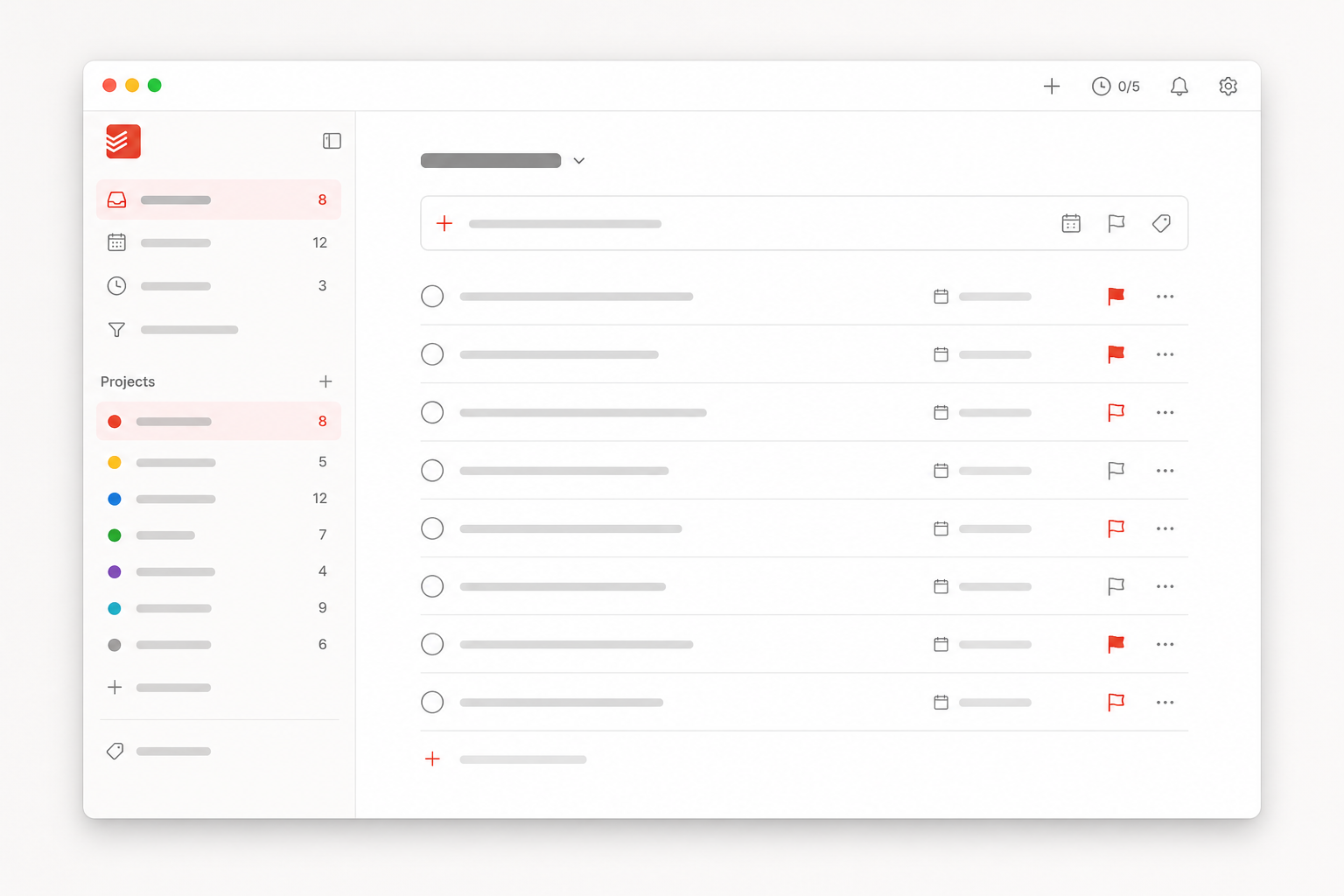
Illustrative AI-generated representation — not a Todoist screenshot.
TL;DR — 30 seconds
- Plainlist if you want a real plan without building it, and you trust your own files more than a company's database. $19.99 once, macOS, one
.todofile. - Todoist if you want the fastest capture on every platform and don't mind renting your list for about $60 a year.
- Notion if organizing is the hobby. If your tasks are really a database in disguise, you'd be building it anyway.
There's no universal winner. There's a right answer per person, and this gets you to yours.
Why bother comparing
Feature lists don't settle this. All three can technically do the same things with enough plugins and templates. What actually separates them is the shape of the deal:
- what you pay: once, yearly, or a free plan that nags you
- where your data lives: your disk or their cloud
- how much assembly: works out of the box, or you build it
- what happens in ten years: still yours, or still theirs
Those four matter more than any checklist. So they're the backbone here, plus five practical criteria judged after the first month, when the novelty wears off.
I built Plainlist because I kept losing my day to apps that felt productive and weren't. This is the comparison I wish I'd read back then.
How we compare
- Capture speed — how fast a task gets from your head into the system
- Planning power — can it turn a list into a schedule?
- Data ownership — who controls your history?
- Longevity — will this still work in ten years?
- Cognitive load — how much of your brain does the tool eat?
Head-to-head
Capture speed
Todoist wins this one, barely. Type "meet John tomorrow 2pm" and it's parsed in one shot. One tap from your phone, anywhere. It's the best capture UX in the business, full stop.
Plainlist is fast if you already think in text. Type a line, done. Dates, estimates, and priorities live inline: - draft Q3 report @start(mon) @due(fri) @est(3h). There's a quick-capture window and slash commands. The catch: it's Mac-only today, so no phone capture yet. If your thoughts happen on a phone, that's a real gap and I won't pretend otherwise.
Notion is the slowest of the three. Every task is a database row: open the page, fill the properties, pick the status. Templates help, but the default cost is ten seconds per task, and ten seconds is when the thought dies.
Planning power
Plainlist. It opens into a Plan view: day, 3-day, or week grid with anytime lanes and timed blocks. Your text tasks land on the calendar automatically. Drag to reschedule and the file updates. Overload becomes visible. You see Tuesday at fourteen hours instead of vaguely feeling busy.
Notion's ceiling is the highest. You can build calendars, timelines, dashboards, anything. You just have to build them first, then maintain them. The people who do, love it. Most people never do, so they keep a list.
Todoist has a Calendar layout for date-based planning. It still doesn't automatically turn a task list into a time-blocked week: you're managing dates and priorities rather than seeing Monday at fourteen hours.
Data ownership
No contest here. Plainlist keeps a plain-text .todo file on your machine. Open it in any editor, grep it, version it with git, back it up by copying it. Delete the app tomorrow and the file is still there.
Todoist is cloud-only. Export exists, but the app is the gatekeeper, and the export is a snapshot, not a living system.
Notion is cloud-only with famously finicky exports. Your notes are entangled with their database. Leaving means reformatting, not copying.
This is the criterion nobody thinks about until it's too late, and it's the one the other two can't touch.
Longevity
Plainlist. Text outlives every app ever written. A .todo file opened in 2036 looks like a file opened in 2026, because it's text.
Todoist is a healthy company, but it's a subscription on their terms. Pricing, features, and privacy policy can change yearly.
Notion is the same deal: a service, not a file. If it pivots, prices up, or gets acquired, you migrate.
Every tool decision is a bet on the tool's lifespan. Plain text is the only format that has never lost that bet.
Cognitive load
Plainlist. No menus to learn, no setup, no configuration. The file is the system. What you see is what you have.
Todoist is light, but the badges, streaks, and gamification add gentle pressure, and the feature surface grows with your subscription.
Notion is heavy. Building and maintaining the system is a job. Great if organizing is the hobby. Fatal if it isn't.
If you want a tool that disappears, Plainlist is the only one of the three built around absence.
Side by side
Swipe or scroll sideways to view every column.
| Criterion | Plainlist | Notion | Todoist |
|---|---|---|---|
| Capture speed | Fast (text) | Slowest | Fastest |
| Planning power | Automatic calendar | DIY, unlimited | Calendar layout, date-based |
| Data ownership | Your file | Cloud | Cloud |
| Longevity | Text forever | Service | Subscription |
| Cognitive load | Minimal | Heavy | Light |
| Price | $19.99 once | Free–$10/member/mo | $60/yr (Pro) |
| Platforms | macOS (today) | Everywhere | Everywhere |
Pricing checked September 2026: Notion Plus is $10 per member/month and Todoist Pro is $60 per user/year. Both companies change plans regularly, so check before you buy.
Pick yours
Pick Plainlist if you want a plan, not a pile; you trust your own files more than someone's database; you're mostly on a Mac; and you like the idea of your task history being a file you can open in Vim or VS Code in 2036.
Pick Todoist if you need the fastest phone capture on every platform, with a team, and you're fine renting your list.
Pick Notion if you enjoy building systems and your tasks are really a database in disguise.
Or run both. Nothing stops you from keeping Todoist or Notion for capture and team lists while planning your day in Plainlist. A lot of people do exactly that.
Switching: what you'd give up
From Todoist: you keep natural-language capture; it's a core feature, not an upsell. You give up mobile, team sync, and the mature filter system, for now. Your data becomes a text file you can read anywhere. No import ceremony, just paste or a quick script.
From Notion: you gain instant-open planning and zero maintenance. You give up the database power: relations, rollups, custom views, everything that made Notion your second brain. Plainlist is a planner, not a workspace. If you need both, keep Notion for the knowledge base and use Plainlist for the day.
Both moves are reversible. That's the point. Your tasks are in a file either way.
FAQ
Can I use Plainlist on my phone? Not yet. Mac-only today, with Windows, iOS, and Android in progress. If mobile capture is non-negotiable, stay with Todoist for now.
Is Plainlist really pay once? $19.99 once, no subscription, no account. "Free forever" belongs to the file, which outlives any app.
Is plain text secure? It's a local file. No cloud account, no server to breach. You control sync and backup with your own tools: iCloud, Dropbox, git.
I'm not technical. Is this for me? You've used plain text your whole life. It's called a notebook. Plainlist adds the calendar and focus views on top, and you never need to touch a terminal.
What if I want to leave Plainlist? Delete the app. Your .todo file stays, readable in any editor, forever. That's the whole point.
Bottom line
All three work. Only one makes your plan the product instead of the project, and only one leaves your data as a file you own.
Try Plainlist free. If it doesn't fit your brain, your list is still a text file, and you've lost ten minutes.